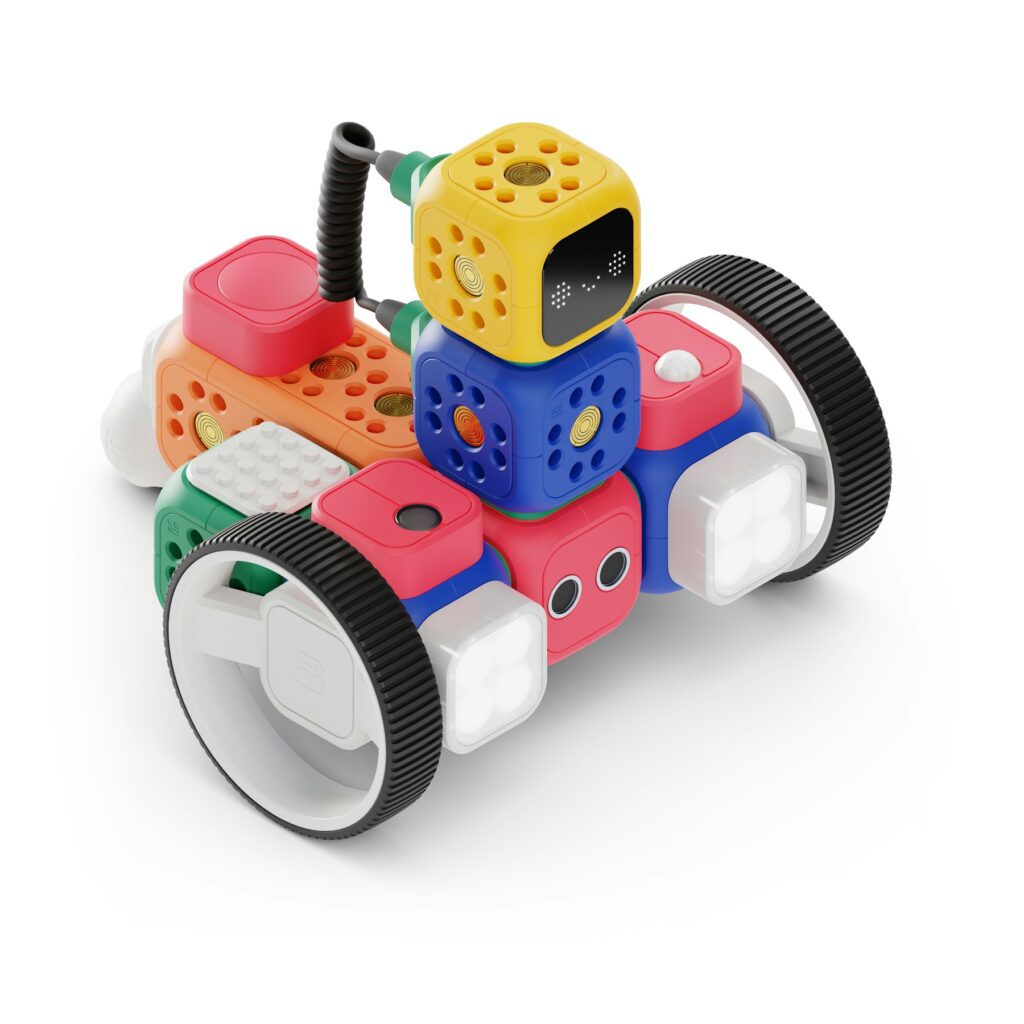
Guide the robot to the star with a program
A computer only does exactly what you tell it, in order.
These instructions are called code. Today, you are the programmer. Your toy (or a person!) is the robot.
Tap each card to see what the word means.
Write your first program
🤖 Robot commands
- ⬆️ Forward: move 1 square forward
- ↩️ Turn left: turn, but stay in the same square
- ↪️ Turn right: turn, but stay in the same square
- Draw a 4 × 4 grid on paper. Put your toy robot in the bottom left square, facing up. Draw a star ⭐ in the top right square.
- Write a program with arrows. For example: ⬆️ ⬆️ ⬆️ ↪️ ⬆️ ⬆️ ⬆️
- Read your program out loud, one command at a time. Your friend moves the robot. 🧸
- Did the robot reach the star? 🎉 If not, you have a bug!
- Debug it: find the wrong command, fix it, and run the program again. 🔍
Real robots and computers cannot guess. They follow each command in sequence, one by one.
Good programmers test, find bugs, and fix them. Everyone makes bugs!
Say your answer out loud. Then tap the card to check!
Awesome, programmer!
You wrote code, found a bug and fixed it.
Play the robot yourself at first and follow the commands exactly, even when they are wrong. That is how children discover bugs. Make the grid bigger or add obstacles when they are ready for more.
❓ Questions parents ask
What is unplugged coding?
Unplugged coding means learning coding ideas without a computer. Children write a program with arrows on paper, and a toy or a person follows it exactly, like a robot.
What does my child learn from this activity?
The big ideas behind all programming: giving exact instructions, putting steps in the right order (a sequence), and finding and fixing mistakes (debugging).
What do we need?
Just paper, a pencil and a small toy to be the robot. A friend or grown-up can also play the robot.
Did you finish?
Press the button to collect your Code Creator badge.